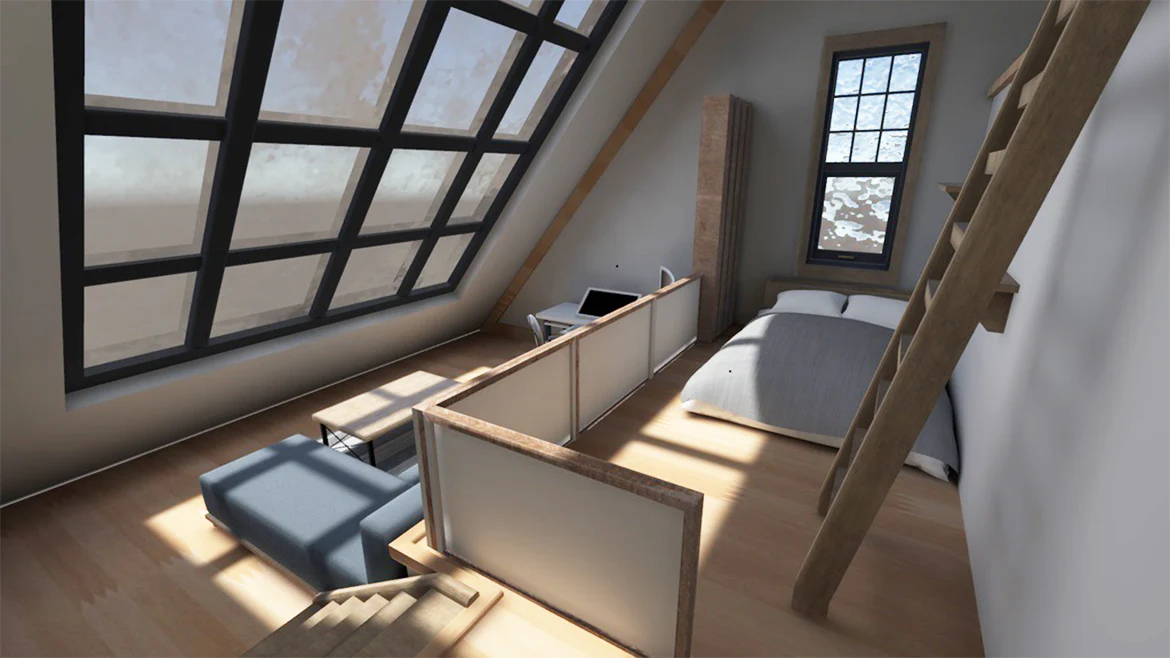
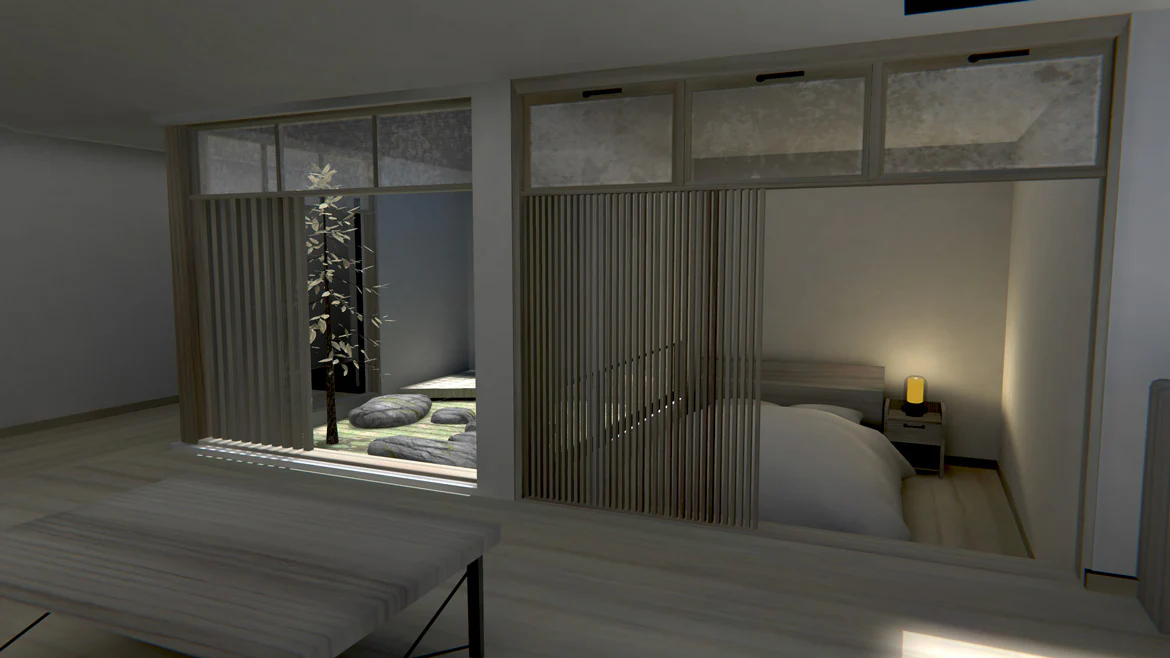
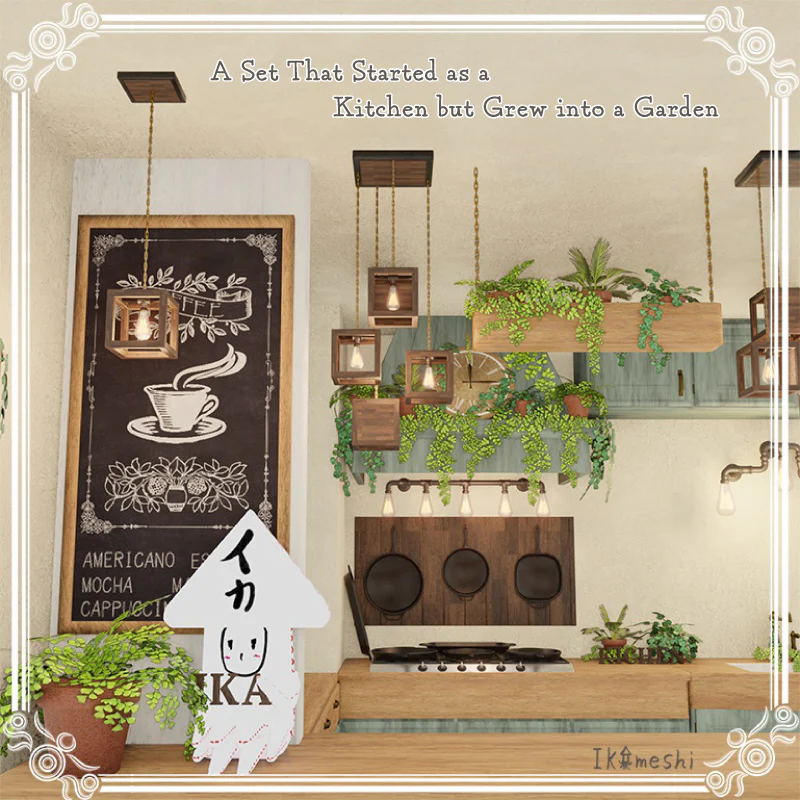
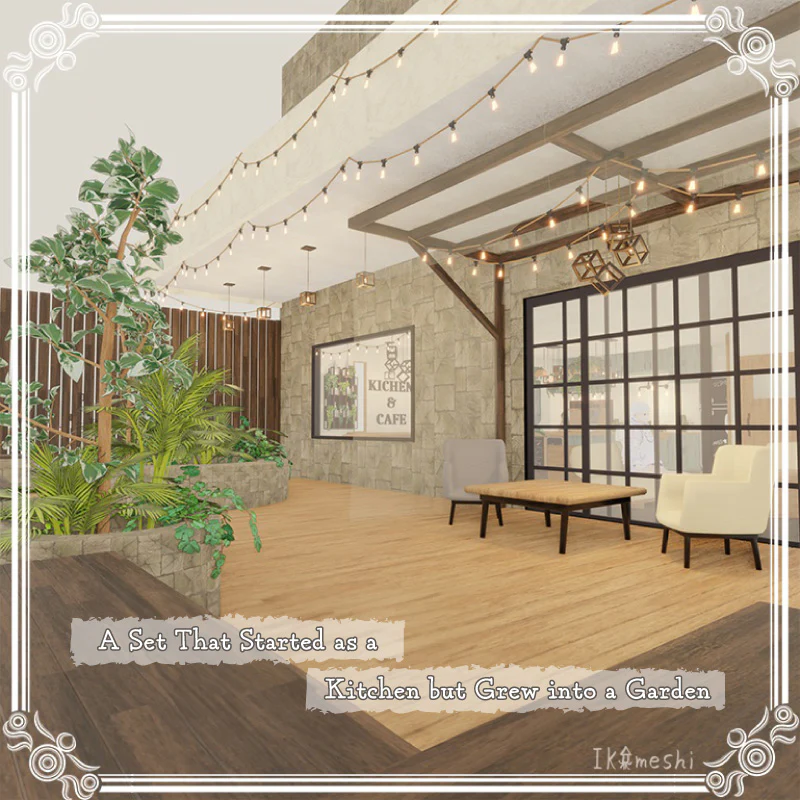
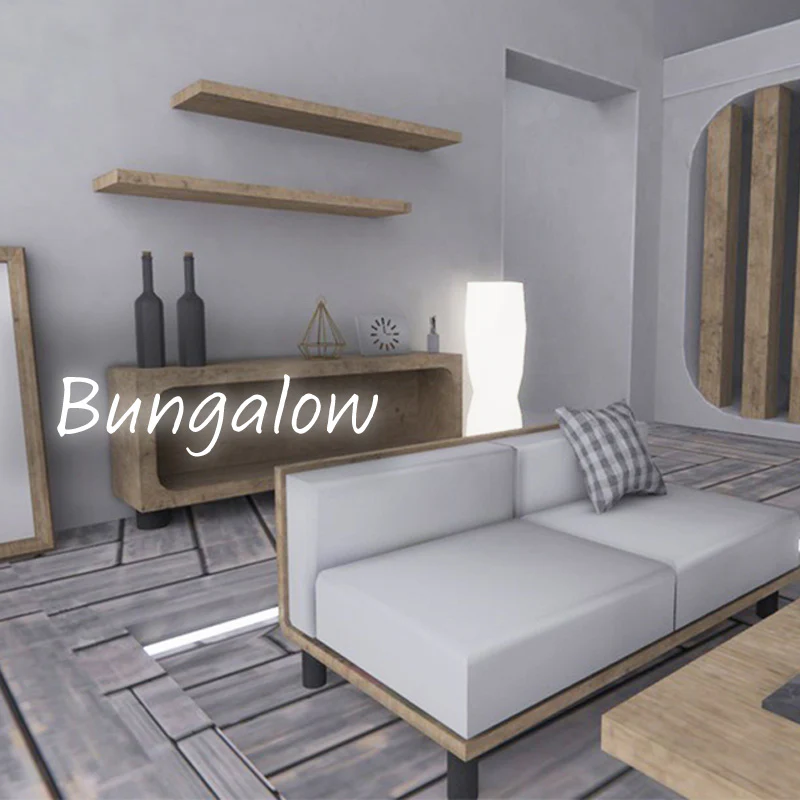
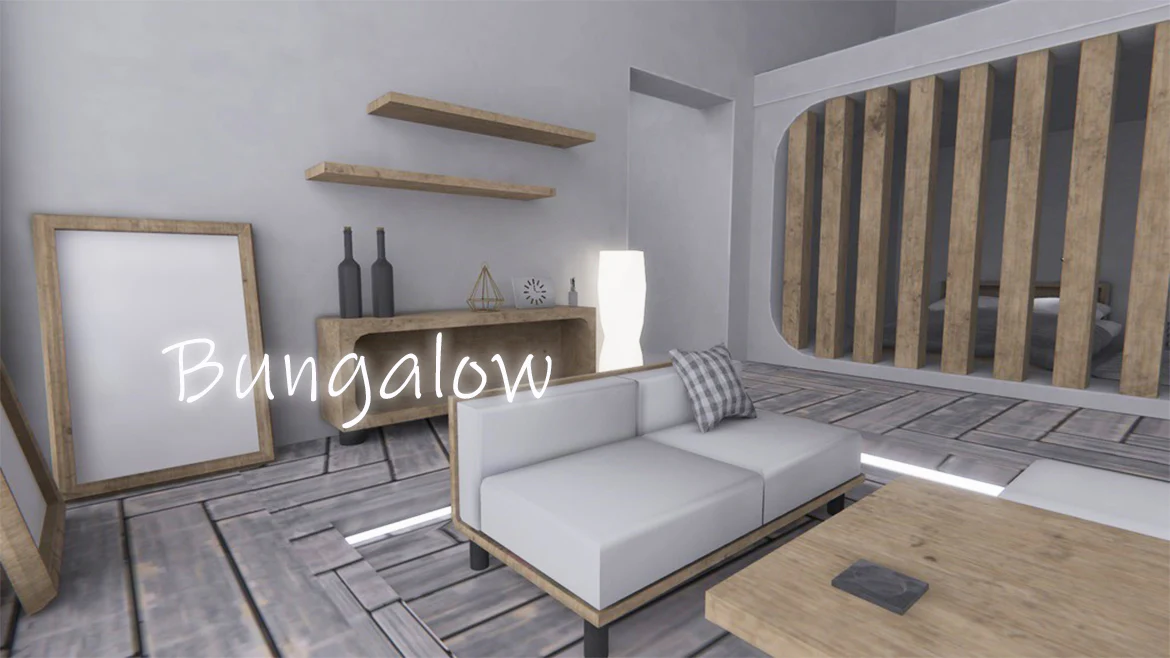
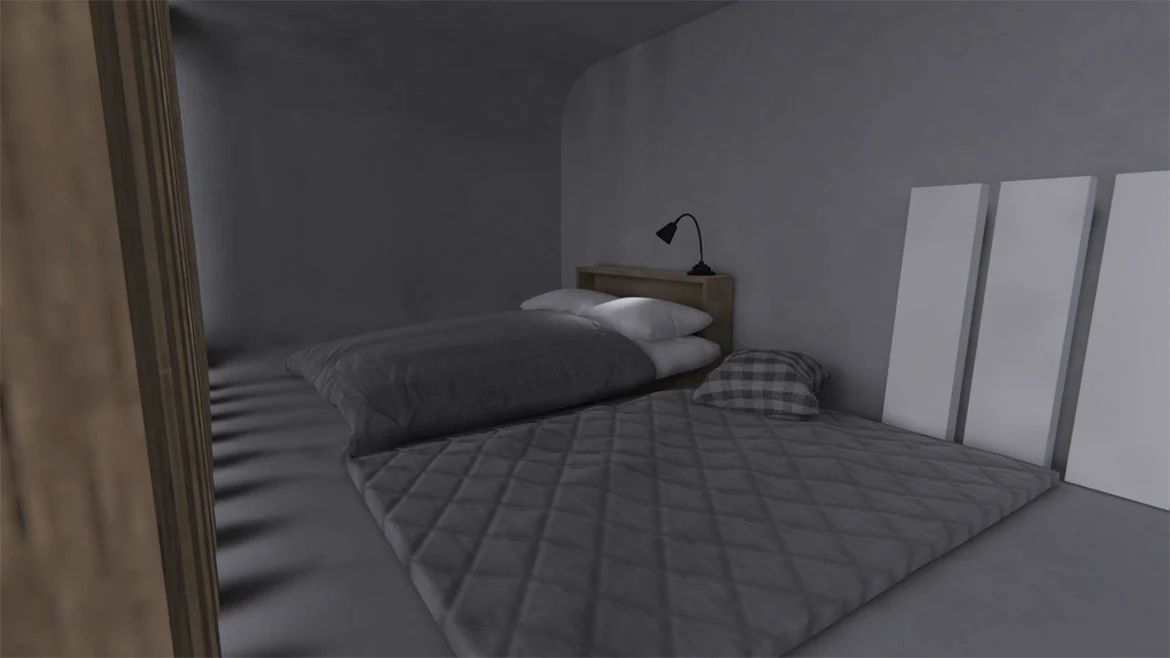
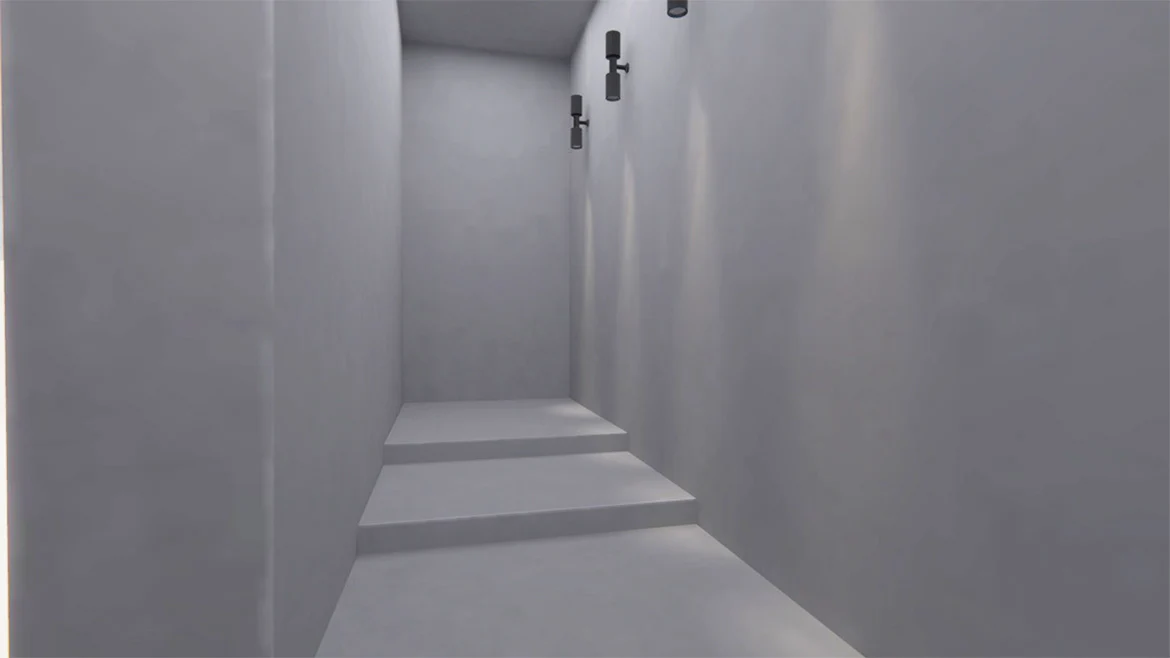
[20240418 - ] "monoTone" VRChat World "Bungalow"
《Item Description》
Price: JPY 500
Order Period: From April 18, 2024 (JST)
This is a 3D model intended for use as a world in VRChat (not compatible with PCVR/Quest).
Simply open the demo scene and upload it to use it as a world.
・Demo World:
https://vrchat.com/home/launch?worldId=wrld_645e94b1-8230-485c-a57f-29c858693237&instanceId=93220~private(usr_94b84a60-e346-45e5-b475-a974e7849c39)~region(us)~nonce(d8f7d716-6519-4625-a419-4a1d8b38ac97)&shortName=093hpuht
・Please note:
This is intended for those with world-making knowledge.
Knowledge of light baking, such as Bakery and Unity standard features, may be required after modification.
The package includes versions with Bakery and Unity standard feature light baking, and the appearance may vary slightly between them.
・Please import in advance:
Filamented Shader by s-ilent
https://gitlab.com/s-ilent/filamented
https://booth.pm/ja/items/3250389
Bakery - GPU Lightmapper
(If using the Bakery version of the unitypackage)
https://assetstore.unity.com/packages/tools/level-design/bakery-gpu-lightmapper-122218?locale=ja-JP
・Terms of Use:
Permission to make the world containing this model public (modification or unmodified).
Permission for modification or unmodified gifting to others, and transfer to other users based on the number of purchases by the buyer. (Other users are considered to have agreed to these terms)
Commercial use, including in videos, is permitted.
・Installation Procedure:
1) Create a new project in VCC.
VCC > make new project.
2) Import the Unity Package.
3) Open the scene file.
4) Set up the world's layers and collisions.
(Menu → VRChat SDK → Show control Panel → Builder → Setup Layers for VRChat → Do it! → Set Collision Matrix → Do it!)
5) Upload it.
・Contents (Scene files):
Bangalow_Bake(Light)
Bangalow_Bake_MonoSH(Heavy)
Bangalow_NoBake(for modification)
Bangalow_Bake_unity(baked with Unity standard features)
Terms of Use
使用条款
이용 약관
*Once your deposit has been confirmed, you will not be able to request a refund.
Please check "Notation based on the Specified Commercial Transaction Act" for more details.
*After the order is successfully placed, you can download the sound or data on the order success page and the order history page in your mypage.
*It is not recommended to use QQ mail address during user registration and shopping.
Product Information
Product Information
Shipping & Returns
Shipping & Returns
[20240418 - ] "monoTone" VRChat World "Bungalow"
[20240418 - ] "monoTone" VRChat World "Bungalow"
《Item Description》
Price: JPY 500
Order Period: From April 18, 2024 (JST)
This is a 3D model intended for use as a world in VRChat (not compatible with PCVR/Quest).
Simply open the demo scene and upload it to use it as a world.
・Demo World:
https://vrchat.com/home/launch?worldId=wrld_645e94b1-8230-485c-a57f-29c858693237&instanceId=93220~private(usr_94b84a60-e346-45e5-b475-a974e7849c39)~region(us)~nonce(d8f7d716-6519-4625-a419-4a1d8b38ac97)&shortName=093hpuht
・Please note:
This is intended for those with world-making knowledge.
Knowledge of light baking, such as Bakery and Unity standard features, may be required after modification.
The package includes versions with Bakery and Unity standard feature light baking, and the appearance may vary slightly between them.
・Please import in advance:
Filamented Shader by s-ilent
https://gitlab.com/s-ilent/filamented
https://booth.pm/ja/items/3250389
Bakery - GPU Lightmapper
(If using the Bakery version of the unitypackage)
https://assetstore.unity.com/packages/tools/level-design/bakery-gpu-lightmapper-122218?locale=ja-JP
・Terms of Use:
Permission to make the world containing this model public (modification or unmodified).
Permission for modification or unmodified gifting to others, and transfer to other users based on the number of purchases by the buyer. (Other users are considered to have agreed to these terms)
Commercial use, including in videos, is permitted.
・Installation Procedure:
1) Create a new project in VCC.
VCC > make new project.
2) Import the Unity Package.
3) Open the scene file.
4) Set up the world's layers and collisions.
(Menu → VRChat SDK → Show control Panel → Builder → Setup Layers for VRChat → Do it! → Set Collision Matrix → Do it!)
5) Upload it.
・Contents (Scene files):
Bangalow_Bake(Light)
Bangalow_Bake_MonoSH(Heavy)
Bangalow_NoBake(for modification)
Bangalow_Bake_unity(baked with Unity standard features)
Terms of Use
使用条款
이용 약관
*Once your deposit has been confirmed, you will not be able to request a refund.
Please check "Notation based on the Specified Commercial Transaction Act" for more details.
*After the order is successfully placed, you can download the sound or data on the order success page and the order history page in your mypage.
*It is not recommended to use QQ mail address during user registration and shopping.
Original: $3.09
-65%$3.09
$1.08Product Information
Product Information
Shipping & Returns
Shipping & Returns
Description
《Item Description》
Price: JPY 500
Order Period: From April 18, 2024 (JST)
This is a 3D model intended for use as a world in VRChat (not compatible with PCVR/Quest).
Simply open the demo scene and upload it to use it as a world.
・Demo World:
https://vrchat.com/home/launch?worldId=wrld_645e94b1-8230-485c-a57f-29c858693237&instanceId=93220~private(usr_94b84a60-e346-45e5-b475-a974e7849c39)~region(us)~nonce(d8f7d716-6519-4625-a419-4a1d8b38ac97)&shortName=093hpuht
・Please note:
This is intended for those with world-making knowledge.
Knowledge of light baking, such as Bakery and Unity standard features, may be required after modification.
The package includes versions with Bakery and Unity standard feature light baking, and the appearance may vary slightly between them.
・Please import in advance:
Filamented Shader by s-ilent
https://gitlab.com/s-ilent/filamented
https://booth.pm/ja/items/3250389
Bakery - GPU Lightmapper
(If using the Bakery version of the unitypackage)
https://assetstore.unity.com/packages/tools/level-design/bakery-gpu-lightmapper-122218?locale=ja-JP
・Terms of Use:
Permission to make the world containing this model public (modification or unmodified).
Permission for modification or unmodified gifting to others, and transfer to other users based on the number of purchases by the buyer. (Other users are considered to have agreed to these terms)
Commercial use, including in videos, is permitted.
・Installation Procedure:
1) Create a new project in VCC.
VCC > make new project.
2) Import the Unity Package.
3) Open the scene file.
4) Set up the world's layers and collisions.
(Menu → VRChat SDK → Show control Panel → Builder → Setup Layers for VRChat → Do it! → Set Collision Matrix → Do it!)
5) Upload it.
・Contents (Scene files):
Bangalow_Bake(Light)
Bangalow_Bake_MonoSH(Heavy)
Bangalow_NoBake(for modification)
Bangalow_Bake_unity(baked with Unity standard features)
Terms of Use
使用条款
이용 약관
*Once your deposit has been confirmed, you will not be able to request a refund.
Please check "Notation based on the Specified Commercial Transaction Act" for more details.
*After the order is successfully placed, you can download the sound or data on the order success page and the order history page in your mypage.
*It is not recommended to use QQ mail address during user registration and shopping.