"Nook Space" VRChat World Asset (VRC-Designed) [monoTone/hatidori_]
《Item Description》
Price: JPY 800
Order Period: From February 20, 2025 (JST)
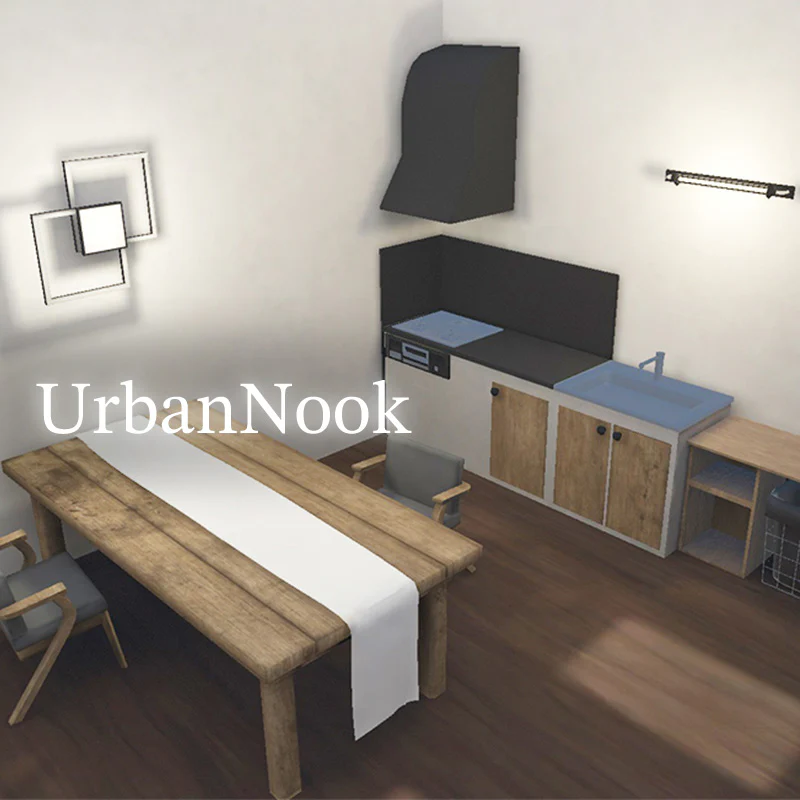
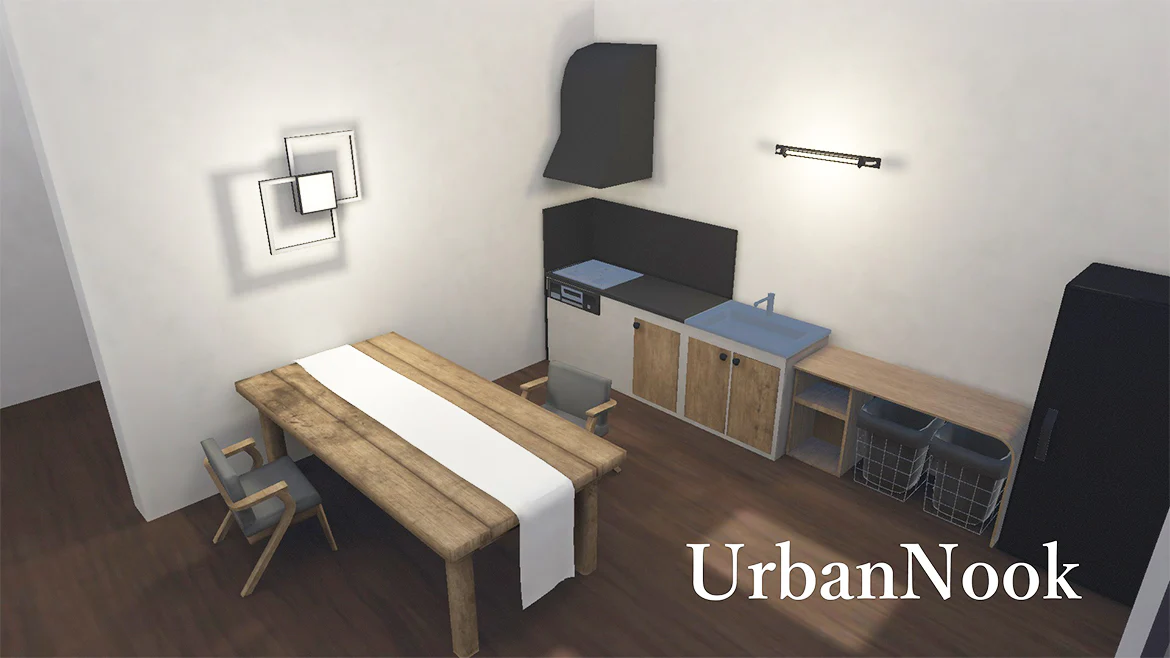
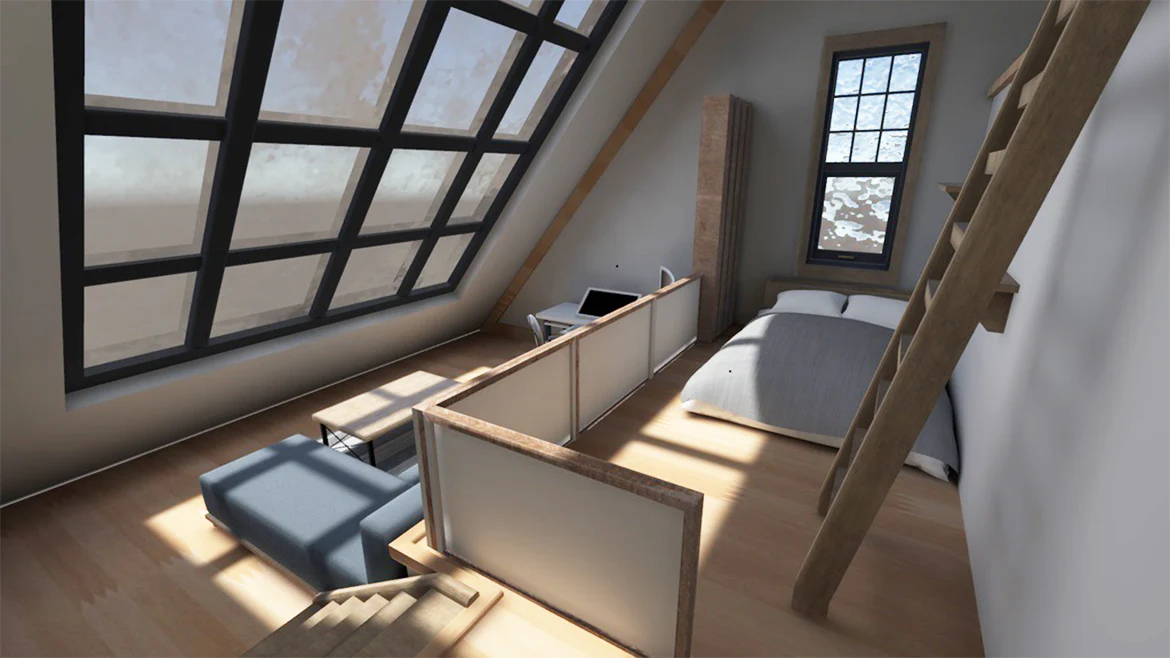
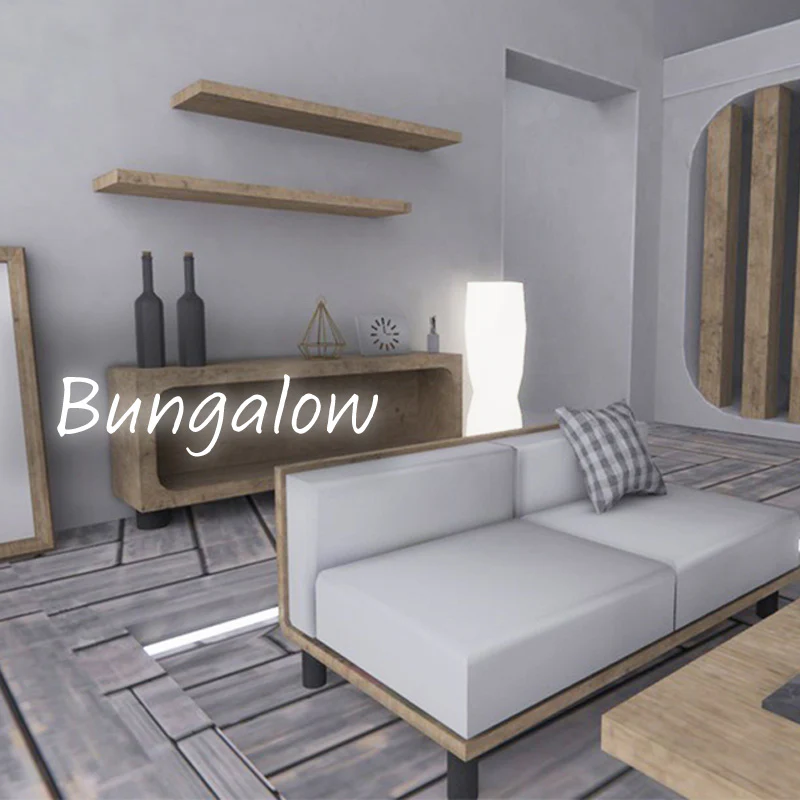
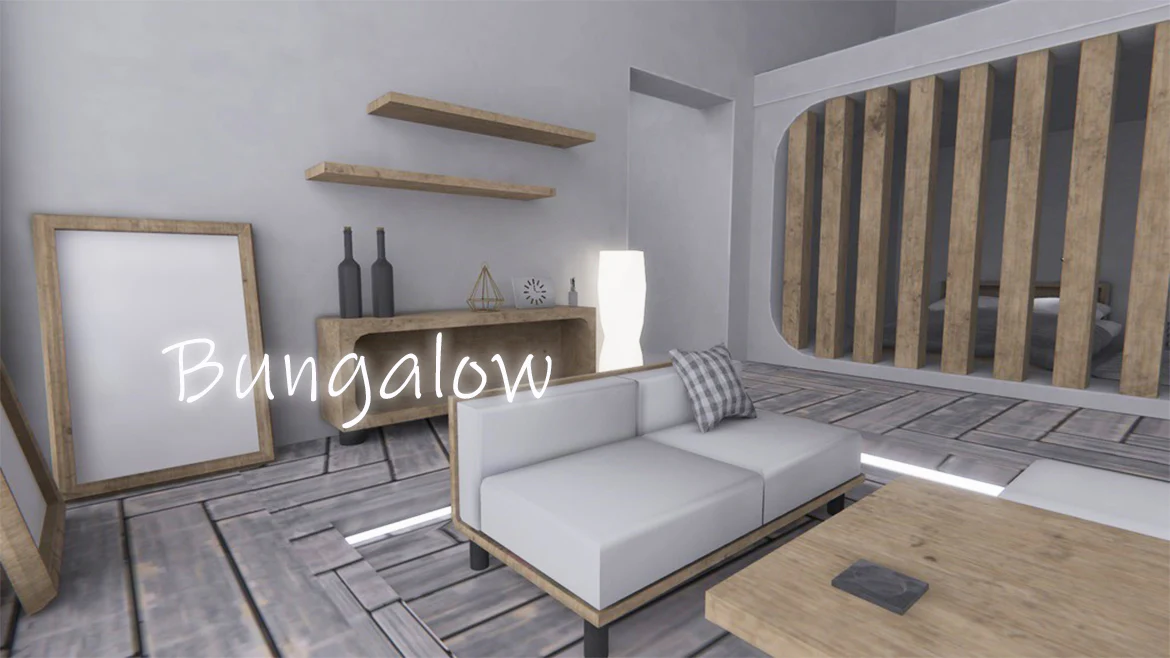
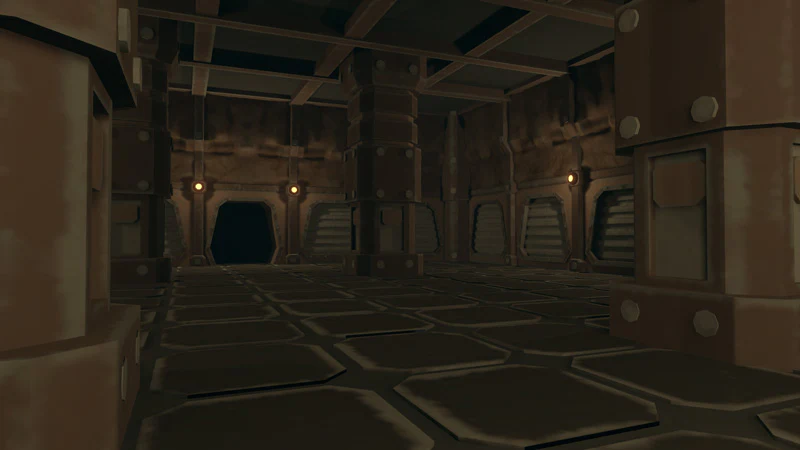
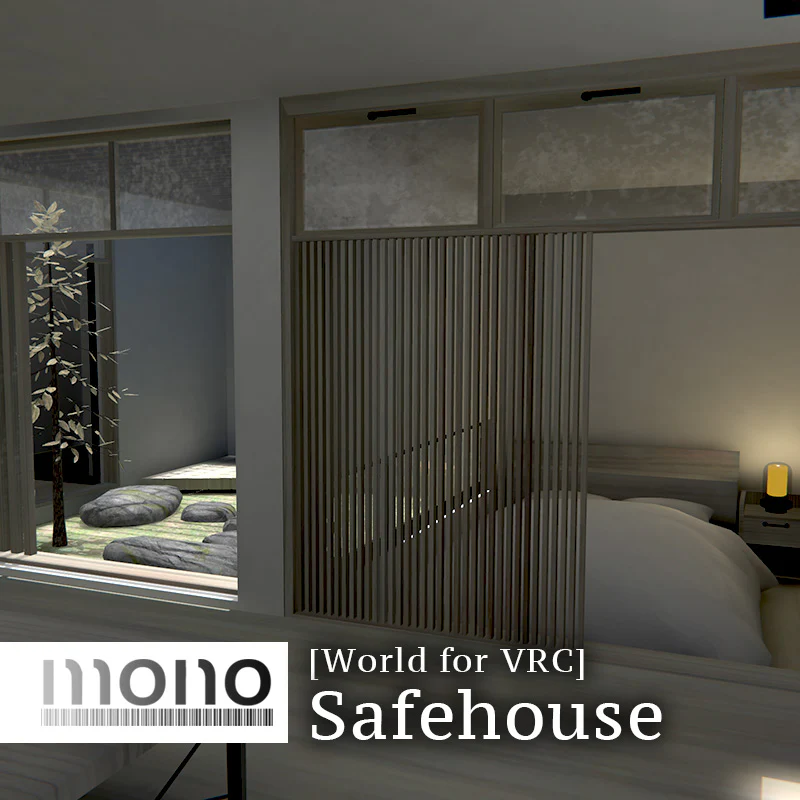
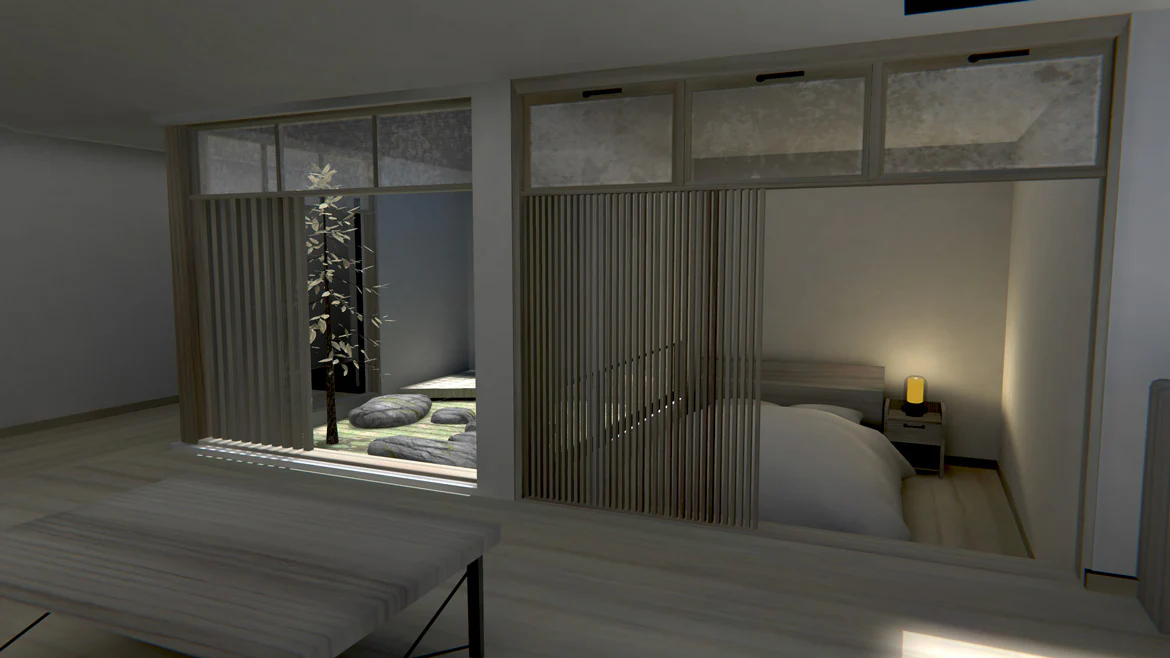
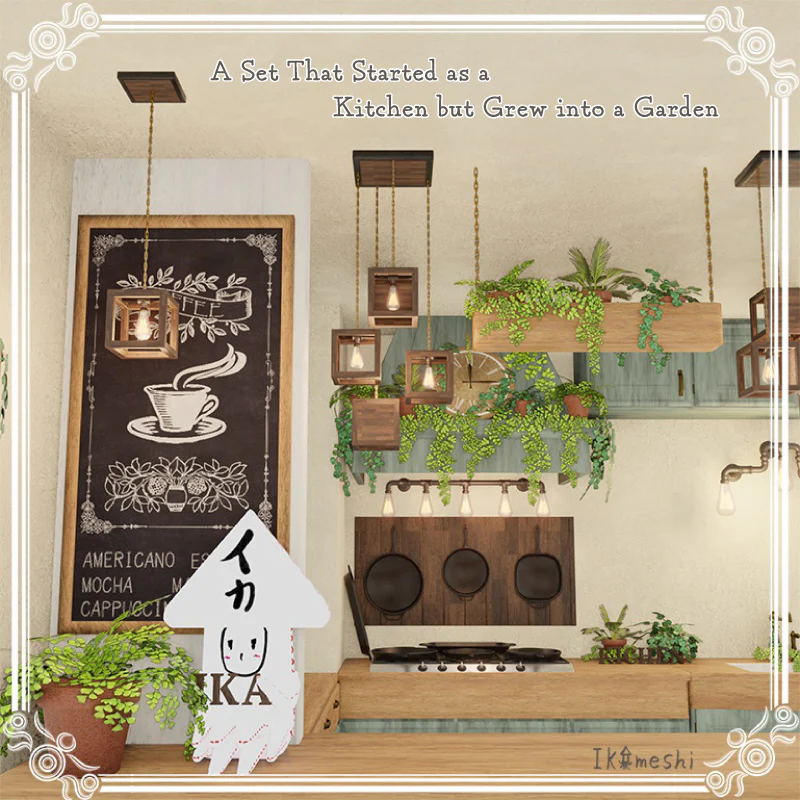
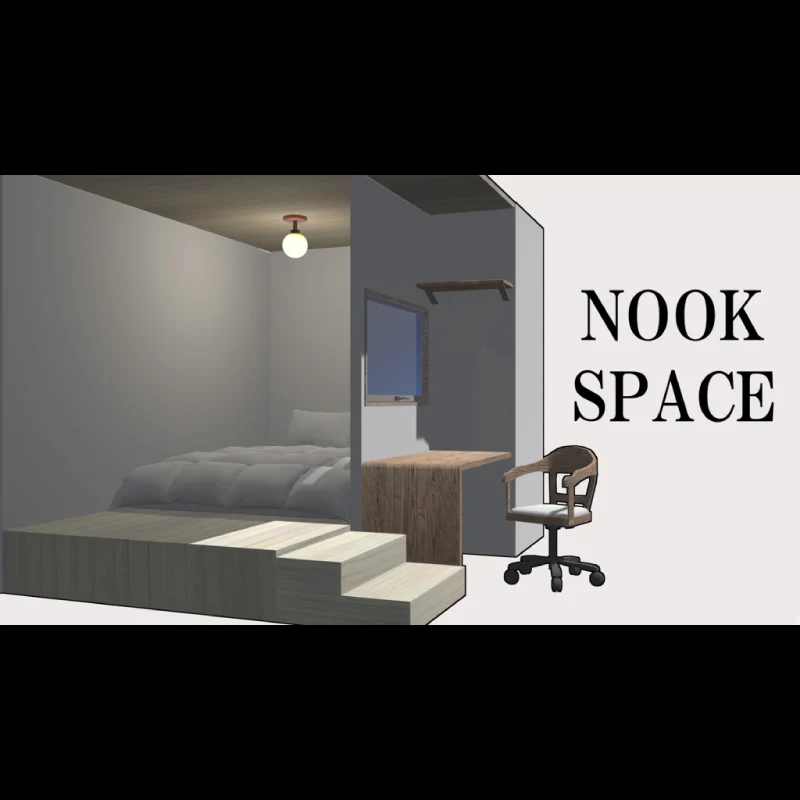
This is a nook designed for use in VRChat (VRC).
Simply place it in your scene to instantly create a compact, cozy space.
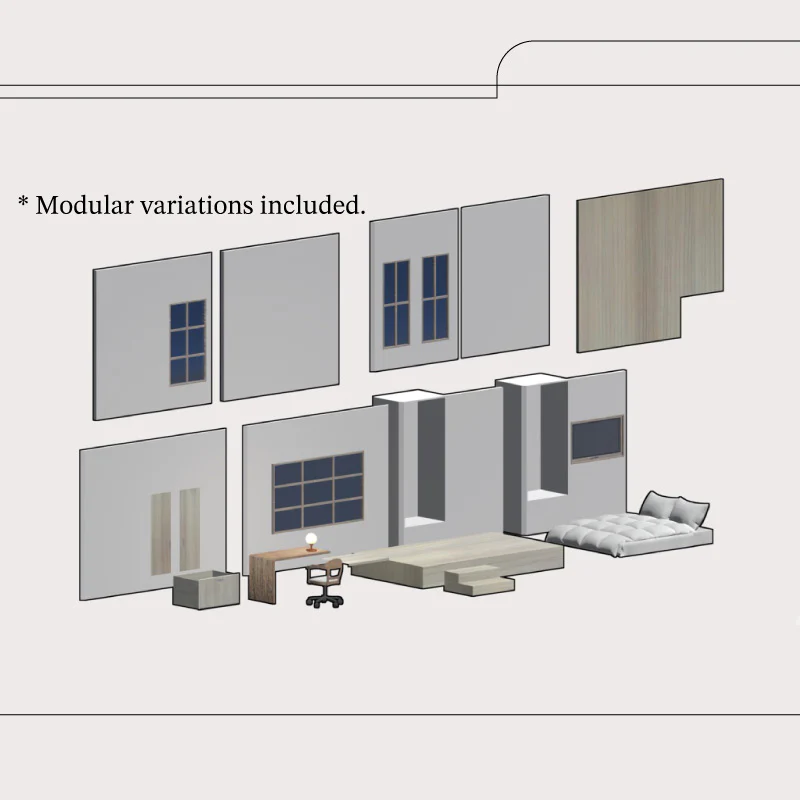
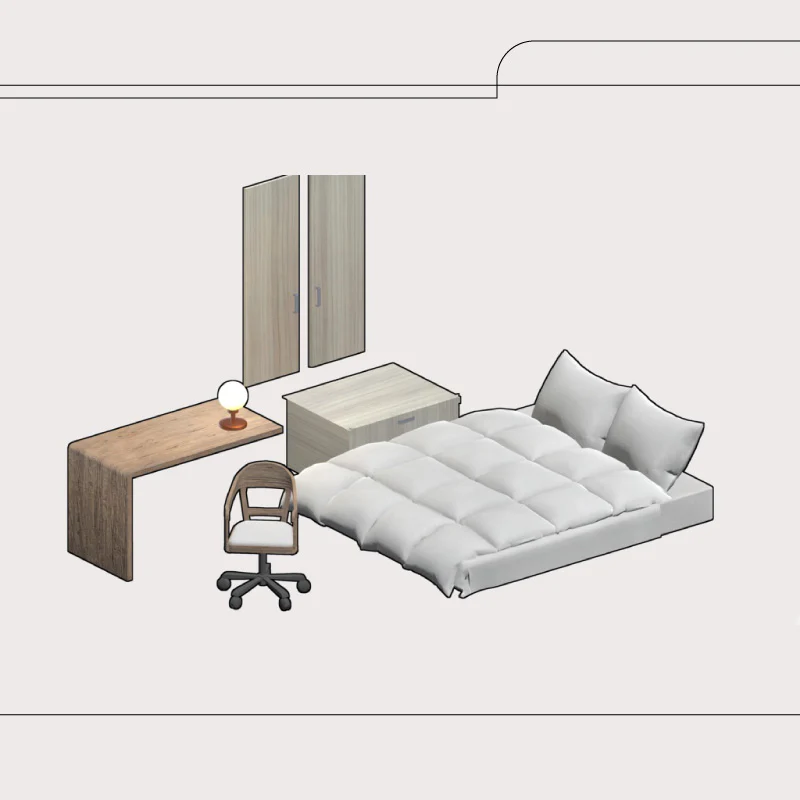
The walls, floor, and other elements are separated into individual parts, allowing flexible layout customization.
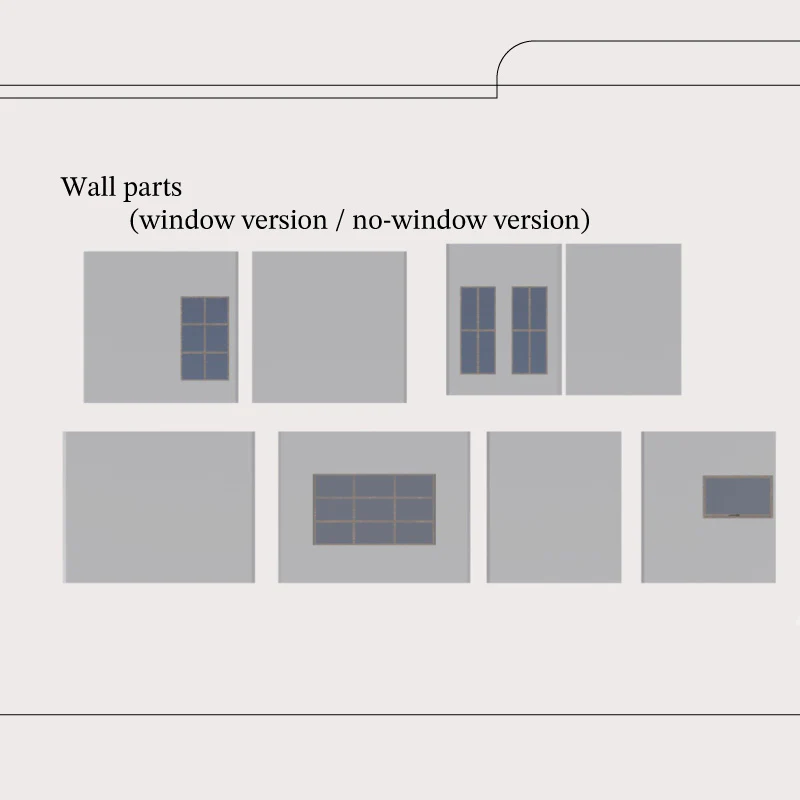
Two wall variations are included: with window and without window.
[License]
This product uses the VN3 License ( https://www.vn3.org).
[Installation Instructions]
1) Create a new project in VCC.
VCC > Make New Project
2) Import the Unity Package
3) Open the scene file
4) Upload the world
[Included Files]
・Unity package
・FBX
・Texture data
* If you find any issues, please feel free to contact us.
[Update History]
August 5, 2025
Ver.1.0 Released
*Once your deposit has been confirmed, you will not be able to request a refund.
Please check "Notation based on the Specified Commercial Transaction Act" for more details.
*After the order is successfully placed, you can download the sound or data on the order success page and the order history page in your mypage.
*It is not recommended to use QQ mail address during user registration and shopping.
Product Information
Product Information
Shipping & Returns
Shipping & Returns
"Nook Space" VRChat World Asset (VRC-Designed) [monoTone/hatidori_]
"Nook Space" VRChat World Asset (VRC-Designed) [monoTone/hatidori_]
《Item Description》
Price: JPY 800
Order Period: From February 20, 2025 (JST)
This is a nook designed for use in VRChat (VRC).
Simply place it in your scene to instantly create a compact, cozy space.
The walls, floor, and other elements are separated into individual parts, allowing flexible layout customization.
Two wall variations are included: with window and without window.
[License]
This product uses the VN3 License ( https://www.vn3.org).
[Installation Instructions]
1) Create a new project in VCC.
VCC > Make New Project
2) Import the Unity Package
3) Open the scene file
4) Upload the world
[Included Files]
・Unity package
・FBX
・Texture data
* If you find any issues, please feel free to contact us.
[Update History]
August 5, 2025
Ver.1.0 Released
*Once your deposit has been confirmed, you will not be able to request a refund.
Please check "Notation based on the Specified Commercial Transaction Act" for more details.
*After the order is successfully placed, you can download the sound or data on the order success page and the order history page in your mypage.
*It is not recommended to use QQ mail address during user registration and shopping.
Product Information
Product Information
Shipping & Returns
Shipping & Returns
Description
《Item Description》
Price: JPY 800
Order Period: From February 20, 2025 (JST)
This is a nook designed for use in VRChat (VRC).
Simply place it in your scene to instantly create a compact, cozy space.
The walls, floor, and other elements are separated into individual parts, allowing flexible layout customization.
Two wall variations are included: with window and without window.
[License]
This product uses the VN3 License ( https://www.vn3.org).
[Installation Instructions]
1) Create a new project in VCC.
VCC > Make New Project
2) Import the Unity Package
3) Open the scene file
4) Upload the world
[Included Files]
・Unity package
・FBX
・Texture data
* If you find any issues, please feel free to contact us.
[Update History]
August 5, 2025
Ver.1.0 Released
*Once your deposit has been confirmed, you will not be able to request a refund.
Please check "Notation based on the Specified Commercial Transaction Act" for more details.
*After the order is successfully placed, you can download the sound or data on the order success page and the order history page in your mypage.
*It is not recommended to use QQ mail address during user registration and shopping.